
GoveeLife Nugget Ice Maker and App Control
A pebble ice maker that leans on its phone app for scheduling and self-clean, plus how those smart features hold up in daily use.

Key takeaways
- The GoveeLife makes standard soft nugget ice; the app adds scheduling, alerts, and guided self-clean on top.
- Expect roughly 24-28 pounds a day in real use, not the 44-pound rating, with first ice in about 12-15 minutes.
- The Govee Home app is genuinely useful for scheduling but cluttered, and it dropped its Wi-Fi connection once during testing.
- Self-clean handles the internal water path only; you still wipe the bin and basket by hand every one to two weeks.
- Its main edge is price: real app control and self-clean for a couple hundred dollars less than a GE Profile Opal.
The first thing I noticed about the GoveeLife nugget ice maker was the little chime my phone made from across the kitchen. I had scheduled a batch to start at 6 a.m. so there would be a full bin by the time I wanted iced coffee, and the app buzzed to tell me it was working. That is the pitch in one sentence: this is a countertop pebble machine that wants to live on your Wi-Fi.
Govee built its name on smart lights and cheap sensors, so a connected ice maker fits the pattern. The govee life nugget ice maker makes the same soft, chewable pebbles you would get from a pricier machine, then wraps the whole thing in an app with timers, ice-level alerts, and a guided clean cycle.
I have run it next to a GE Profile Opal and a Frigidaire EFIC237 for a few weeks. Here is what the machine actually does, where the smart features earn their keep, and where they are just a nicer way to press a button.
What kind of ice it makes and how much
The ice itself is the good stuff. Soft, cloudy, pea-sized nuggets that soak up whatever you pour over them and crunch instead of shatter. If you have chewed ice from a Sonic cup, you already know why people chase this texture. For the deeper mechanics, our explainer on how nugget ice makers make soft chewable ice covers the auger and freeze-then-compact process that every one of these units uses.
Govee rates the machine around 44 pounds of ice per 24 hours. That is a marketing number measured under ideal conditions, and no countertop maker hits its rating in a normal kitchen. In my house it produced closer to 24-28 pounds across a full day, which still buried my needs.
First ice landed in about 12-15 minutes from a cold start. A small bin refill after I scooped some out took roughly 7-10 minutes. Those numbers track with what I see across the category, and real-world daily output lands well under any brand’s rating.
The bin holds ice, it does not freeze it. Anything you leave in the basket slowly melts and drains back into the reservoir, so plan to use or transfer ice within a few hours.
The app: what it actually controls
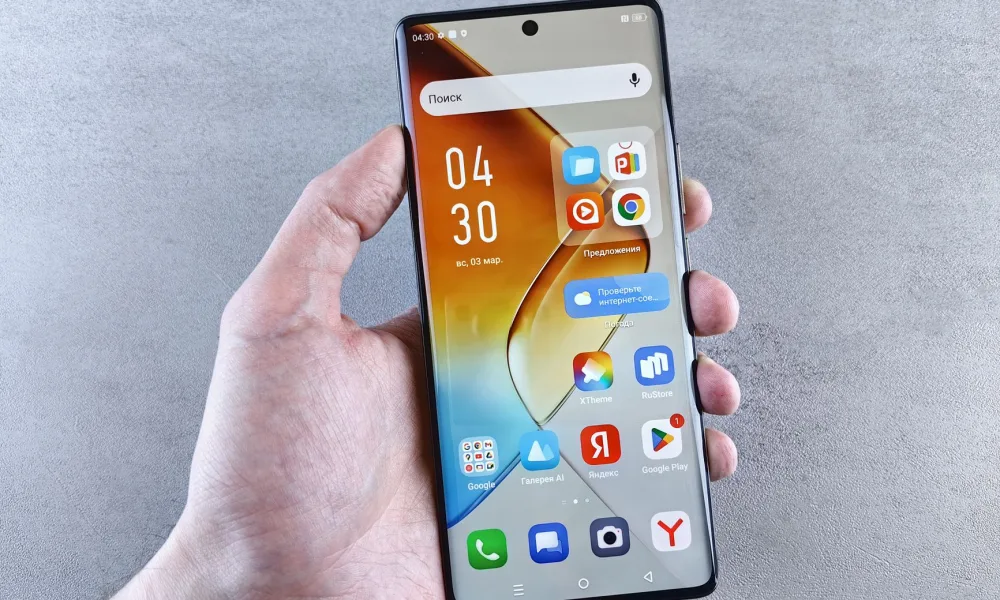
You pair the machine over 2.4 GHz Wi-Fi through the Govee Home app, the same app that runs their lights. Setup took me under five minutes. Once it is connected, the app gives you a handful of controls that go beyond the front-panel buttons.
- Start and stop a batch from anywhere in the house
- Set a schedule so ice is ready at a specific time
- Get a push alert when the bin is full or the water is low
- Trigger the self-clean cycle without standing over the machine
- Toggle the ice thickness or size setting on models that support it
Scheduling is the feature I used most. Telling the machine to wake up at 6 a.m. and have a bin ready by 7 is genuinely useful, and it beats leaving the unit running all night. If app control is the reason you are shopping, read our broader look at nugget ice maker app and Wi-Fi control before you commit, because the feature quality varies a lot between brands.
The app is a convenience layer, not a reason to buy on its own. The ice would be the same without it.
Where the app falls short
The Govee Home app is busy. It is built for someone with twenty smart bulbs, so an ice maker feels like a guest in a house full of lighting scenes. I also hit one dropout where the machine lost Wi-Fi and I had to re-pair it, which took a couple of minutes. The front-panel buttons always work regardless, so a flaky connection never left me without ice.
The self-clean cycle
Every recirculating ice maker gets slimy inside if you ignore it, because the same water cycles past the auger over and over. The GoveeLife runs a self-clean cycle that circulates a cleaning solution through the water path for you, then you flush it with fresh water.
The cycle runs about 20-30 minutes. It does not scrub the ice basket or the parts you can touch, so you still wipe those by hand. Think of self-clean as maintenance for the plumbing you cannot reach, not a full cleaning.
Use a nugget-safe cleaner or a diluted white vinegar solution, never bleach in the water path. Run a plain-water rinse cycle afterward so your next batch does not taste like a cleaning aisle.
I run the cycle every one to two weeks depending on how hard I am pushing the machine. For a full walkthrough that applies to most brands, see our guide to the nugget ice maker self-clean cycle and how it works.
How it stacks up against the usual names
The GoveeLife sits in the value tier, below the Opal and roughly alongside the Frigidaire, Newair, and Silonn machines. Here is a rough side-by-side of what you are weighing.
| Machine | Rated output/day | App control | Self-clean | Rough price |
|---|---|---|---|---|
| GoveeLife nugget | ~44 lb | Yes, full app | Yes | $300-400 |
| GE Profile Opal 2.0 | ~24 lb | Yes, mature app | Yes | $500-580 |
| Frigidaire EFIC237 | ~44 lb | No | Manual | $300-350 |
| Newair nugget | ~40 lb | Some models | Yes | $350-450 |
| Silonn nugget | ~44 lb | No | Manual | $250-320 |
The honest read: the Opal has the most polished app and the best support history, but you pay for it. The GoveeLife gives you a real app and self-clean at a Frigidaire price. If you want the full field, our roundup on the nugget ice maker guide lays out how the whole category compares.
Running cost and water use
These machines are not big power draws, but they run in long cycles. Most countertop nugget makers pull somewhere between 100 and 175 watts while actively freezing. Over a day of moderate use you are looking at pennies to maybe a quarter in electricity, depending on your rate.
Water is the part people forget. The reservoir recirculates, so you are not dumping gallons, but standing water plus warm ice going back into the loop means you should change the water regularly. Our breakdown of nugget ice maker daily run cost puts real dollar figures on a month of use.
If you care about efficiency across appliances, the Department of Energy’s Energy Saver resource is a decent baseline for understanding how small always-on appliances add up.
A common mistake to avoid
The mistake I see most often, and made myself the first week, is leaving old water sitting in the reservoir between uses. That water grows biofilm fast, and it is the number one cause of cloudy, off-tasting ice and that faint musty smell people blame on the machine.
Dump the reservoir when you are done for the day if you can, and always start a fresh batch with fresh water. For anyone worried about what is actually in the water going in, the CDC’s healthy water guidance is a sensible read on home water and ice.
Do not use distilled or heavily softened water long term. Nugget makers want a little mineral content to form ice properly, and running them bone-dry on minerals can cause slow, mushy production.
Who this machine is for
The GoveeLife makes sense if you want good nugget ice, like the idea of scheduling and phone alerts, and do not want to spend Opal money to get them. It is a fine first nugget maker for a chewer who runs it on a counter and keeps up with cleaning.
It is a weaker pick if you want the most reliable app on the market or plan to tuck it under a counter, since these units need breathing room and vent heat from the sides. Placement matters more than people expect, and skipping it leads to slow production.
Making the call
After a few weeks, my take is simple. The GoveeLife nugget ice maker earns its spot on price and features: you get real pebble ice, a working schedule, and a self-clean cycle for a couple hundred dollars less than the name-brand king. The app is more useful than gimmicky, even if it is cluttered and dropped its connection once on me.
Buy it for the ice and treat the smart features as a bonus, not the main event. Keep the water fresh, run the clean cycle on a rhythm, and give it room to breathe, and it will keep a bin of chewable pebbles ready whenever your phone says it is time.
Frequently asked questions
No. All core functions run from the front-panel buttons, so the machine makes ice with or without a connection. Wi-Fi only enables the app features like remote start, scheduling, and low-water alerts. If your connection drops, the buttons keep working normally.
The machine is rated near 44 pounds per 24 hours, but that is an ideal-lab figure. In a normal kitchen I saw closer to 24 to 28 pounds across a full day. That is still far more than most households scoop through, especially since the unmelted ice drains back into the reservoir.
It circulates a cleaning solution through the internal water path and auger, the parts you cannot reach by hand. It does not scrub the ice basket, lid, or scoop, so you still wipe those yourself. Run a plain-water rinse afterward and clean it every one to two weeks.
Tap water works fine for most people and is what these machines are built for. Filtered water can improve taste and reduce buildup if your tap is heavily chlorinated. Avoid distilled or heavily softened water long term, since nugget makers need some mineral content to form ice well.
The Opal has a more mature app and a stronger support history, but it costs a few hundred dollars more. The GoveeLife gives you similar core features, app control and self-clean, at a value price. If polish and reliability matter most, the Opal wins; if budget matters, the GoveeLife is a strong pick.
Almost always it is old water left sitting in the reservoir, which grows biofilm quickly. Dump the water when you finish for the day and start fresh batches with clean water. If a smell lingers, run the self-clean cycle with a nugget-safe cleaner or diluted vinegar, then rinse.

About the Author
Madhu Malhotra
Madhu Malhotra reviews nugget ice makers, countertop units, and portable freezers with a focus on real world durability. Over more than ten years of testing home ice machines she has learned which build details actually hold up, how to keep water lines clean without harsh chemicals, and what the marketing brochures quietly leave out. Her write ups aim to save readers a return trip and a wasted weekend.
Related guides

Nugget Ice Maker Water Use and Recirculation
Nugget makers sip water because melted ice drips back into the tank, so a full day of chewy ice rarely costs more than a couple of refills.
GE Profile Opal Nugget Ice Maker Explained
The Opal put nugget ice on home counters. Here is how the line works, why it caught on, and how its generations differ.
How Much Nugget Ice a Maker Produces Per Day
Most nugget makers advertise 24 to 38 pounds a day, but the number you actually keep on hand is smaller. Here is why, and what to expect.