
Nugget Ice Maker App and WiFi Control
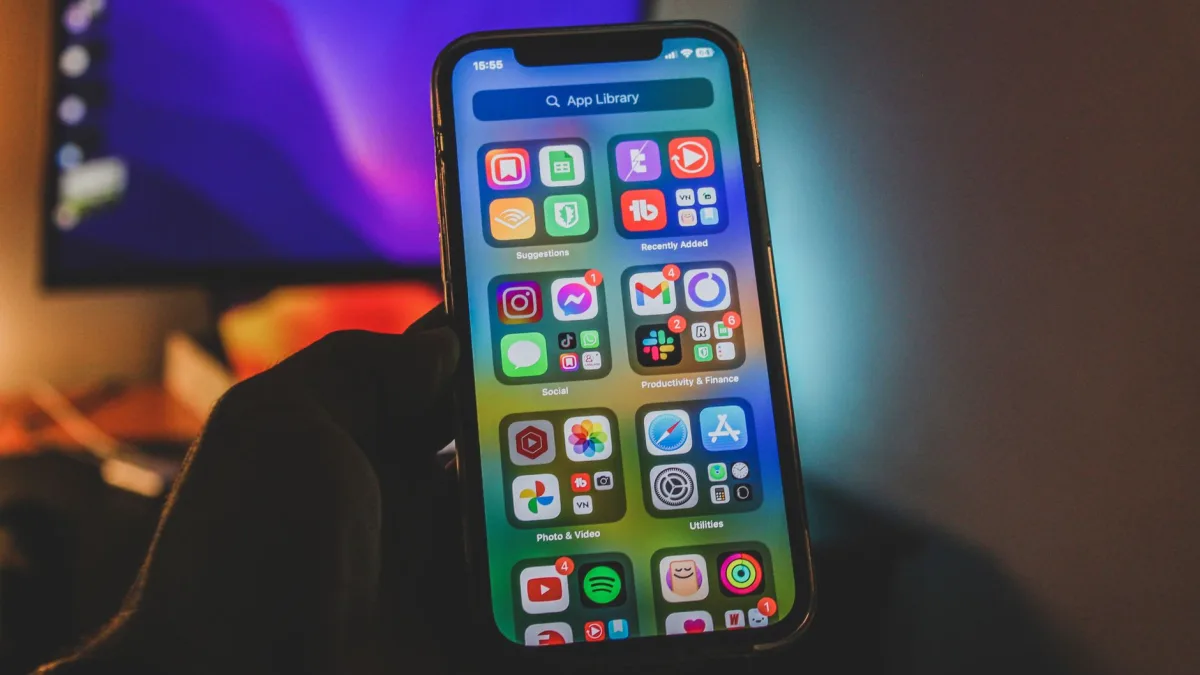
App and WiFi control let a nugget maker schedule batches, warn you when the bin is full, and nudge you when it is time to clean.
Key takeaways
- App control mainly does three things: schedule batches, send ice-full and low-water alerts, and remind you to clean.
- Only a few models offer it, chiefly the GE Profile Opal 2.0 and Ultra plus GoveeLife.
- Frigidaire, Newair, Silonn, and most budget units are physical panel only.
- The app cannot make ice faster, fix soft melting, or refill your water tank.
- Connected models usually cost 50 to 100 dollars more, worth it if you run on a routine.
The first time I set up a GE Profile Opal 2.0, I stood in my kitchen at 7 a.m. tapping my phone while the coffee brewed. I told the machine to have a full bin ready by 4 p.m., closed the app, and forgot about it. That evening the bin was packed with fresh nugget ice, and my phone had already pinged me twice: once when it hit full, once because the water tank ran low.
That little routine is the whole pitch for nugget ice maker app control. It is not a gimmick, and it is not magic either.
Here is what the app actually does on these machines, what it does not do, and which models bother to include it at all.
Scheduling batches so ice is ready when you want it
The feature I use most is scheduling. A nugget maker takes real time to fill a bin from empty, usually somewhere in the 15-20 minute range for the first cubes and a couple of hours to top off a large bin. If you want to understand why that lag exists, I broke it down in my piece on how long a nugget maker takes to make first ice.
With the app, you set a target time and the machine works backward. On the Opal, you pick a schedule (say, weekdays at 3 p.m.) and it starts making ice early enough to be full when you get home. No more walking to an empty bin and waiting 40 minutes for a glass of iced tea.
Set your schedule to finish about 30 minutes before you actually want ice. Nugget ice melts fast in an uninsulated bin, so a batch that finishes hours early is a batch that partly melts and re-freezes into clumps.
Ice-full alerts and low-water warnings
Every app-connected nugget maker I have tested sends push alerts, and these are the notifications that earn their keep.
An ice-full alert tells you the bin is packed so the machine can stop cycling. A low-water alert tells you the reservoir is running dry before the maker stalls mid-batch. On a 3-pound bin like the Opal’s, that first alert saves you from a machine that keeps recirculating melt water and slowly turns your nuggets to slush.
- Ice bin full, machine paused
- Water tank low, refill needed
- Cleaning cycle due
- Filter replacement reminder (on models that use a filter)
These alerts matter more than they sound. Nugget makers do not freeze a solid block, they recirculate water constantly, which is exactly why the bin melts if you ignore it. I covered that recirculation loop in detail in my write-up on how nugget makers use and reuse water.
Cleaning and filter reminders
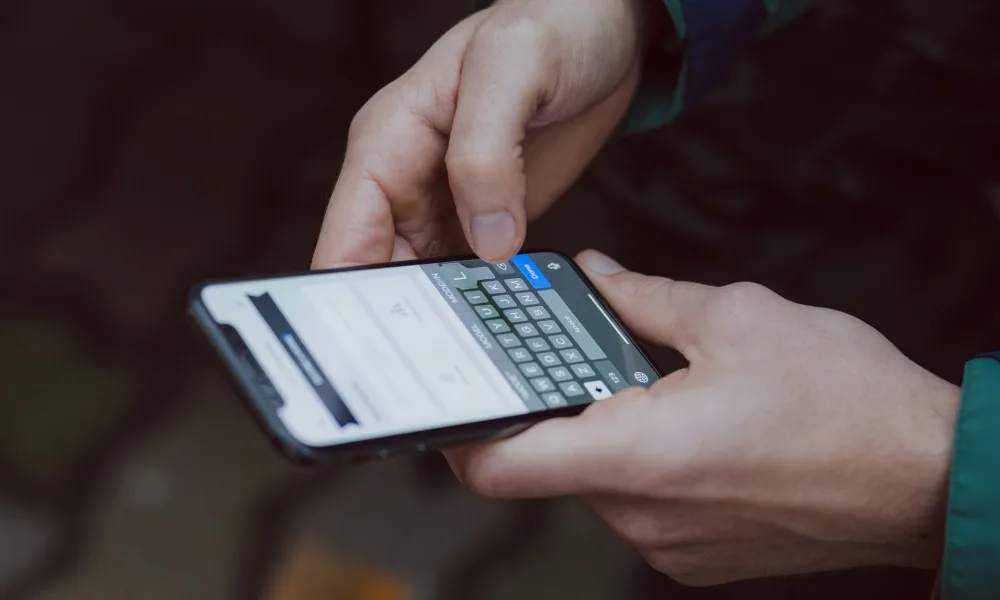
A nugget maker runs water over the same parts every day, so scale and pink slime build up faster than people expect. The app tracks run time and pings you when a clean cycle is due, usually every one to two weeks depending on your water.
On the Opal that reminder ties straight into the built-in cleaning routine, so one tap starts the cycle. If you want the full procedure, I walked through it in my guide to the nugget maker self-clean cycle. Hard water speeds up scale, and if you want to know whether yours qualifies, the USGS has a plain explainer on water hardness.
A cleaning reminder is not a substitute for actually cleaning. The app will happily keep reminding you while a moldy reservoir keeps making ice. I have seen bins go green because someone dismissed the alert for a month.
Lighting, sleep mode, and the smaller settings
Beyond the big three, the app exposes settings that are fiddly to reach on the physical panel.
The Opal has an interior nightlight you can dim, color, or schedule from the app. There is a sleep mode that quiets the machine overnight, and a max-ice mode that runs it flat out. These are minor, but reaching them from the couch instead of crouching over the unit is genuinely nicer.
Voice control shows up here too. Many app-enabled models pair with Alexa or Google Assistant, so “make ice” becomes a spoken command. It is a party trick, but a useful one when your hands are full.
Which nugget makers actually have app control
This is where buyers get tripped up. App control is far from universal, and the marketing does not always make it obvious. Here is the honest lay of the land.
| Model | App and WiFi | What you get |
|---|---|---|
| GE Profile Opal 2.0 / Ultra | Yes, full app | Scheduling, alerts, cleaning, lighting, voice |
| GE Profile Opal 1.0 | Optional (WiFi module) | Same features once the module is added |
| GoveeLife Nugget | Yes, full app | Scheduling, alerts, timers, presets |
| Frigidaire EFIC237 | No | Physical buttons only |
| Newair Nugget | No | Physical panel only |
| Silonn / Euhomy / Igloo | No | Physical panel only |
The two names worth knowing are GE and GoveeLife. The GE Profile Opal is the machine that made app control a selling point, and the GoveeLife nugget maker is the budget challenger that copied the idea and undercut the price. Almost everything else, including the popular Frigidaire and Newair units, gives you a front panel and nothing more.
If a nugget maker under a hundred dollars claims “smart” features, read the fine print. Half the time “smart” just means it has a timer button.
What app control does not do
I want to set expectations, because the apps oversell themselves a little.
The app cannot make ice faster than the compressor allows. It cannot fix cloudy or soft-melting nuggets, which come down to water quality and ambient temperature, not software. And it will not refill your own water tank, so a low-water alert still means walking over with a pitcher.
It also does not save meaningful electricity. A nugget maker pulls roughly 100-175 watts while running, and scheduling shifts when that happens rather than reducing it. If your goal is a lower bill, the U.S. Department of Energy’s energy saver guidance is more useful than any ice app, and I get into real numbers in my breakdown of daily nugget maker run cost.
Is app control worth paying extra for?
For most people, yes, but only if you already want a nugget maker for other reasons.
The gap between a WiFi model and a manual one is often 50 to 100 dollars. If you run your machine on a routine, the scheduling and the ice-full alert alone earn that back in convenience over a year. If you make ice on a whim and stand right next to the unit anyway, the app is close to pointless and a Frigidaire will serve you fine.
One honest observation from months of testing: I check the app far less than I expected. After the first week the schedule just runs, and the only time I open it is to start a clean cycle or silence a low-water ping. The value is in the automation quietly working, not in the app being fun to poke at.
A common mistake to avoid
People put the machine in a spot with weak WiFi (a garage, a far corner, a bar cart against an exterior wall) and then wonder why the app keeps dropping. These units use 2.4 GHz WiFi, which reaches farther but still needs a decent signal. Place it, then check your bars before you rely on scheduling.
Making the call
App and WiFi control on a nugget maker is a real convenience with a narrow job: it schedules batches, warns you when the bin is full or the water is low, and reminds you to clean. It does not change how the ice tastes or how fast it forms, and only a handful of models (mainly the GE Profile Opal line and GoveeLife) offer it at all.
If a set-it-and-forget-it routine appeals to you, spend the extra for a connected model. If you would rather just press a button and watch the bin fill, skip it and put the savings toward better water. Either way, if you are still deciding on the machine itself, start with my full nugget ice maker guide and work out what you actually need before chasing features.
Frequently asked questions
No. The Opal makes ice fine using its front buttons alone. WiFi only adds scheduling, phone alerts, and one tap cleaning, so the machine keeps working even if you never connect it to a network.
No. The Frigidaire EFIC237, the Newair units, and most budget nugget makers use physical buttons only with no app or WiFi. If app control matters to you, look at the GE Profile Opal line or GoveeLife instead.
Not really. Scheduling changes when the machine runs, not how much power it draws while running. A nugget maker still pulls roughly 100 to 175 watts during a cycle whether you started it by app or by hand.
Usually the signal is weak where you placed it. These machines use 2.4 GHz WiFi, and spots like garages or far corners often have poor coverage. Move the unit closer to your router or add a mesh point and the drops usually stop.
The common ones are ice bin full, water tank low, and cleaning cycle due. Some models also flag a filter replacement. These push notifications are the most useful part of app control day to day.
It covers the same core jobs: scheduling, alerts, and timers, usually at a lower price. The Opal app feels more polished and ties tightly into its cleaning cycle, but GoveeLife handles the essentials well for the money.

About the Author
Madhu Malhotra
Madhu Malhotra reviews nugget ice makers, countertop units, and portable freezers with a focus on real world durability. Over more than ten years of testing home ice machines she has learned which build details actually hold up, how to keep water lines clean without harsh chemicals, and what the marketing brochures quietly leave out. Her write ups aim to save readers a return trip and a wasted weekend.
Related guides
How Much Nugget Ice a Maker Produces Per Day
Most nugget makers advertise 24 to 38 pounds a day, but the number you actually keep on hand is smaller. Here is why, and what to expect.
Silonn Nugget Ice Maker: Compact Pebble Ice
A budget pebble ice maker that borrows the Opal's chewy texture without the Opal's price, if you can live with a smaller bin and a bit more fuss.
Undercounter Nugget Ice Maker Placement Basics
Some countertop nugget machines can tuck under a counter, but only with the right airflow. Here is how to do it without cooking the compressor.